
Feasibility study software, from ask to signed LOI.
Ask in plain language. Algoma reads the zoning, intersects 70+ GIS layers, solves development capacity and pulls comps, then assembles renderings, the owner, the LOI and your pipeline. Three steps, one study.
Ask in plain English.AI site feasibility, from one address
Drop in an address to open a study, or describe the sites you're looking for. Algoma verifies the parcel, runs your criteria in Discover, and returns parcels you can open as studies.
- 1Start with an address — verified as you typeAn address, a parcel number, or a dropped pin
- 2Parcel preview, then straight into the studyZoning, layers, and capacity load in under 60 seconds
- 3Or describe the sites you're afterPlain English: size, zoning, market, price
- 4Algoma runs it in Discover and shows what it appliedEvery filter it used is listed. Nothing hidden.
AI runs the study.
You control every input.Zoning, GIS layers, and site capacity you control
Layers, site intersections, capacity, and comps in one study. Toggle anything, change any assumption, and watch the numbers update. Nothing hidden.
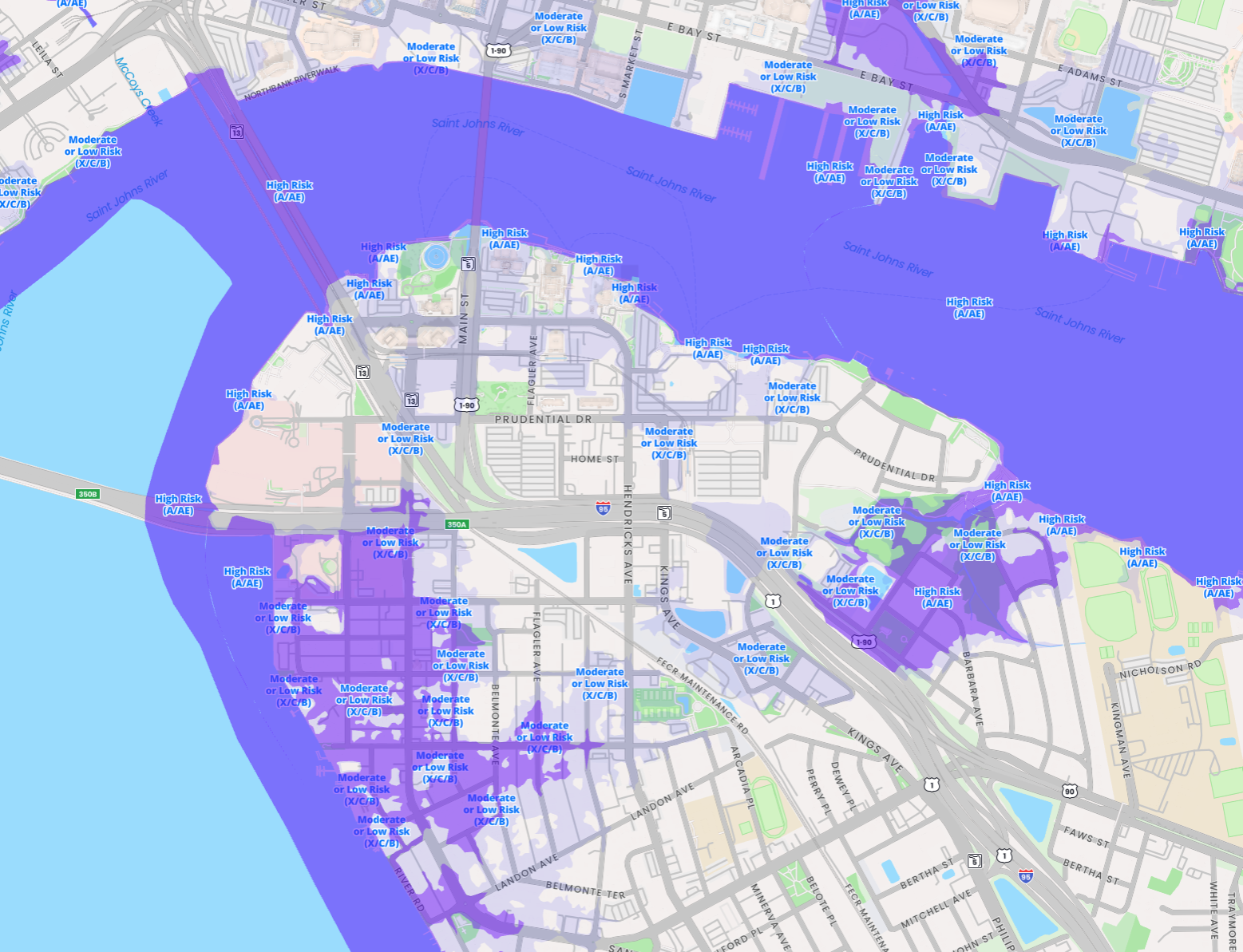
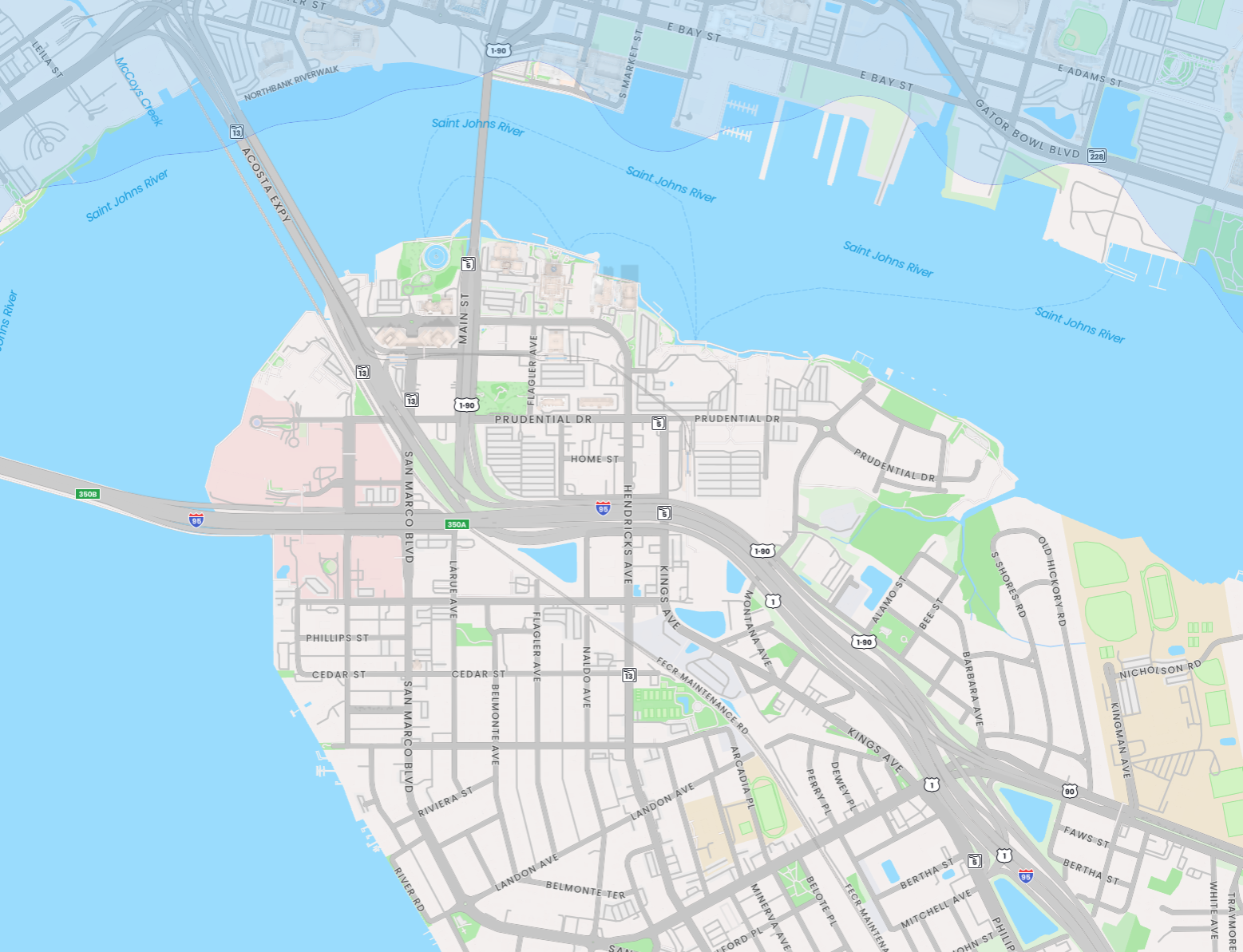
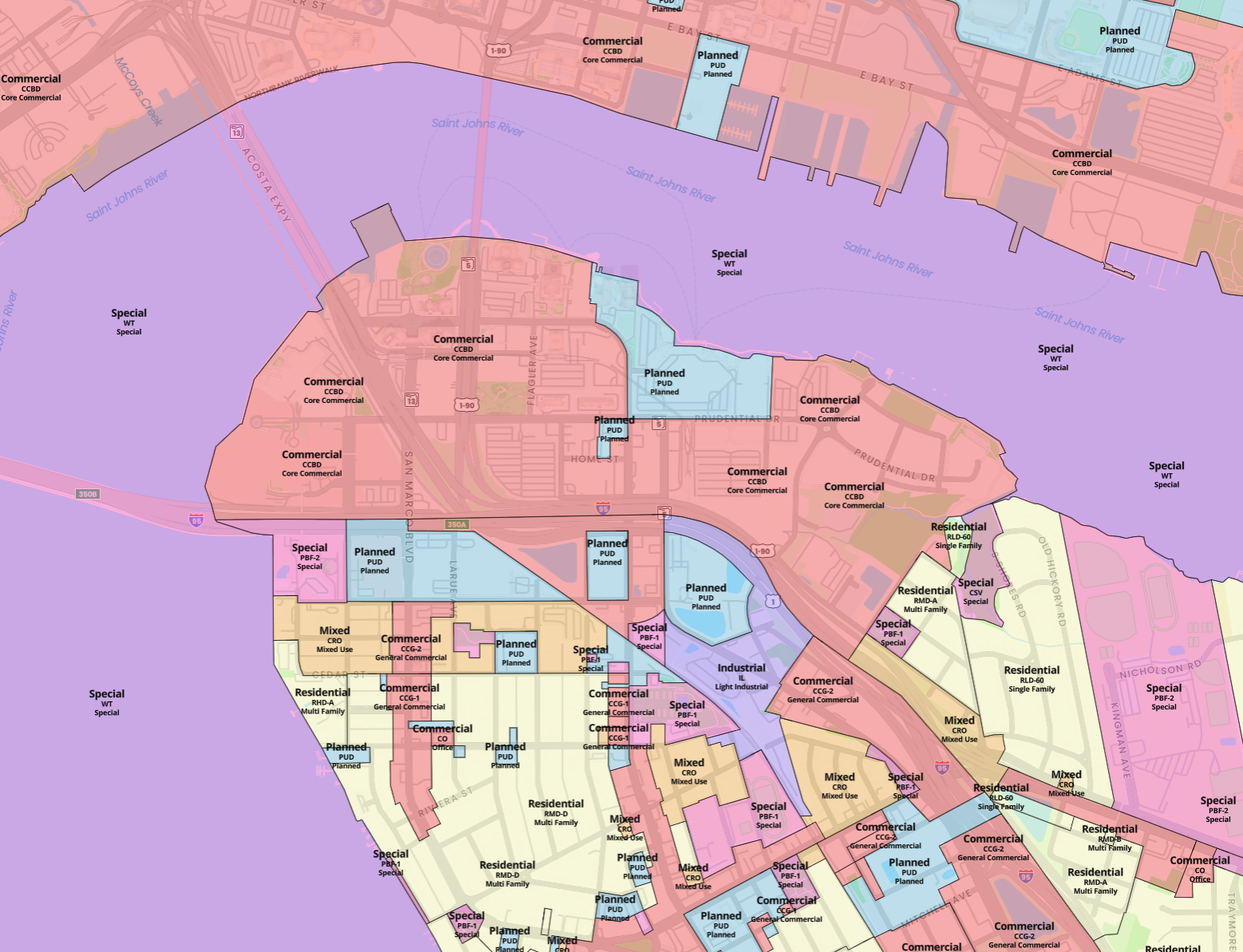
- 1A deep library of GIS layers, on and offFlood, zoning, soils, utilities, and dozens more — any combination, on the map or in 3D.
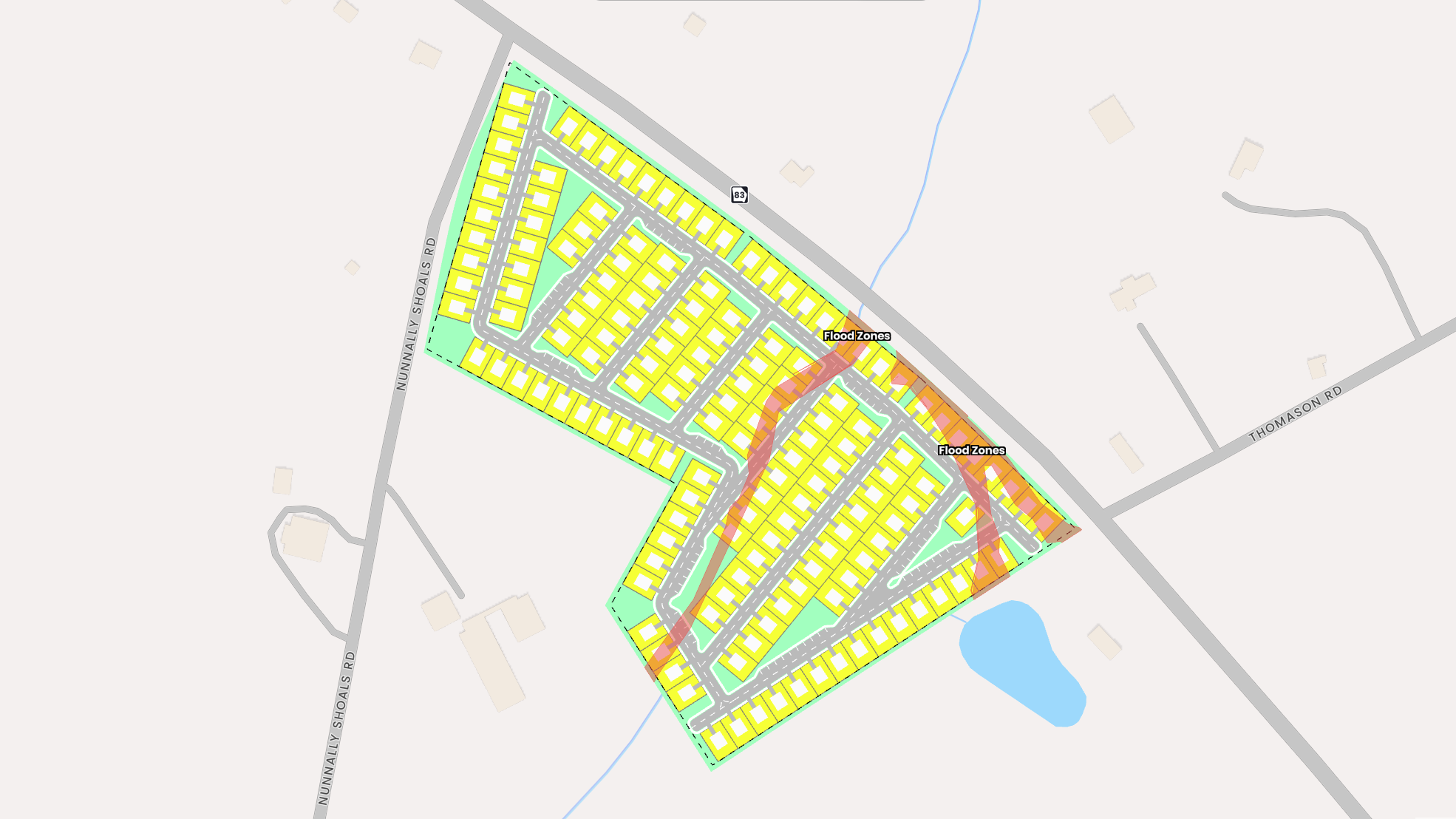
- 2Site Intersections subtract what you can't build onFlip a hazard on or off. Buildable area and yield recalculate.
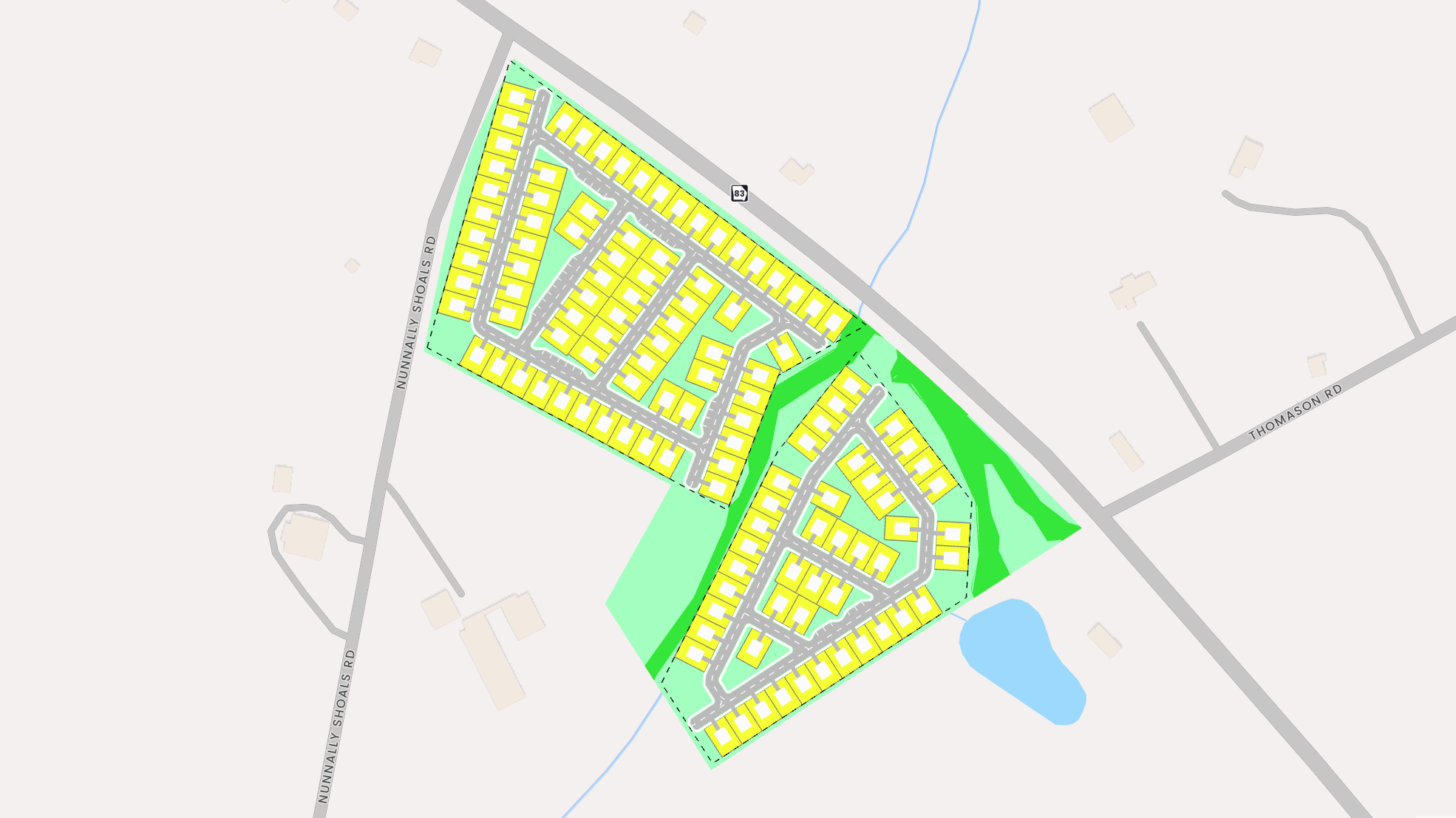
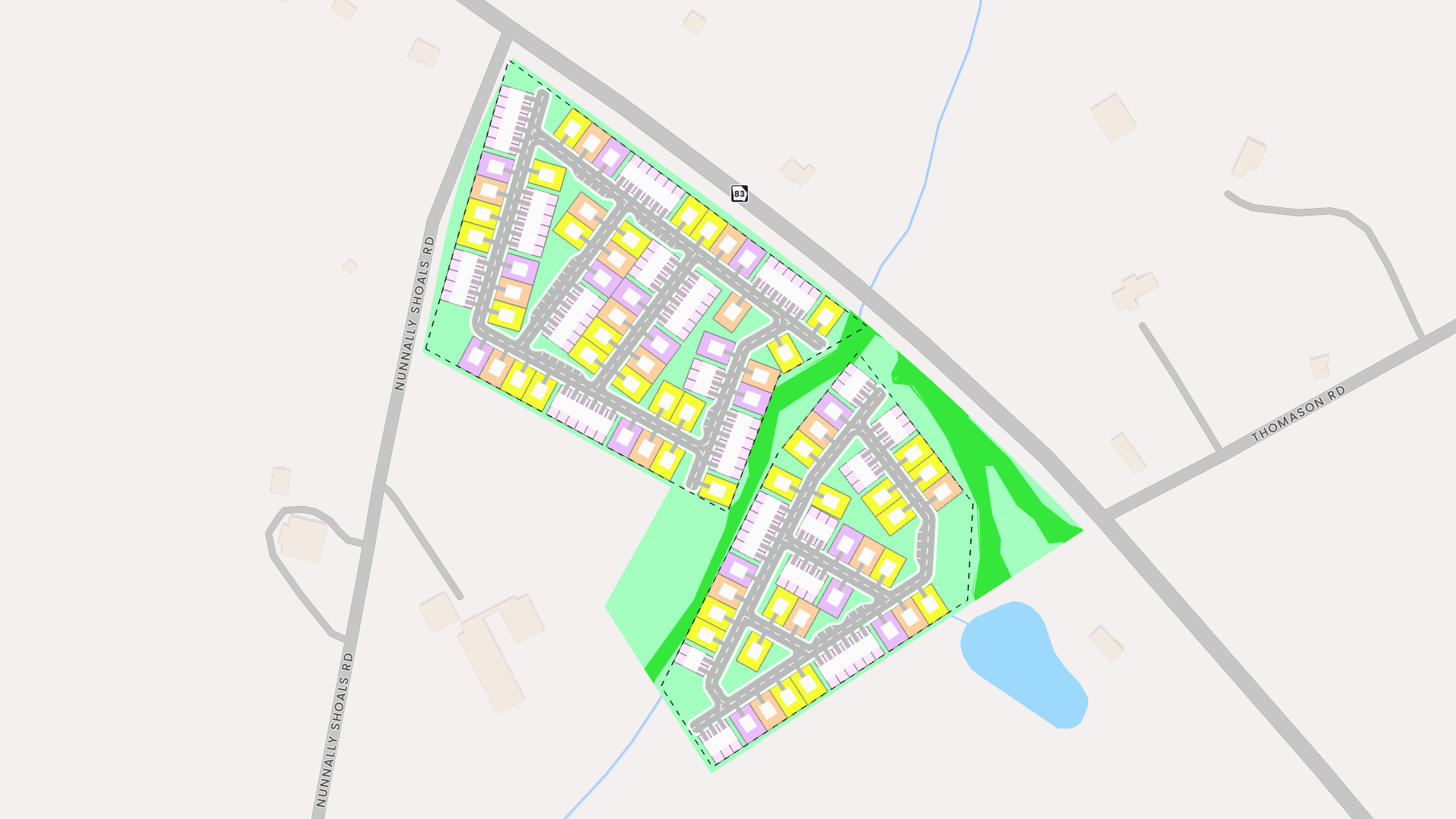
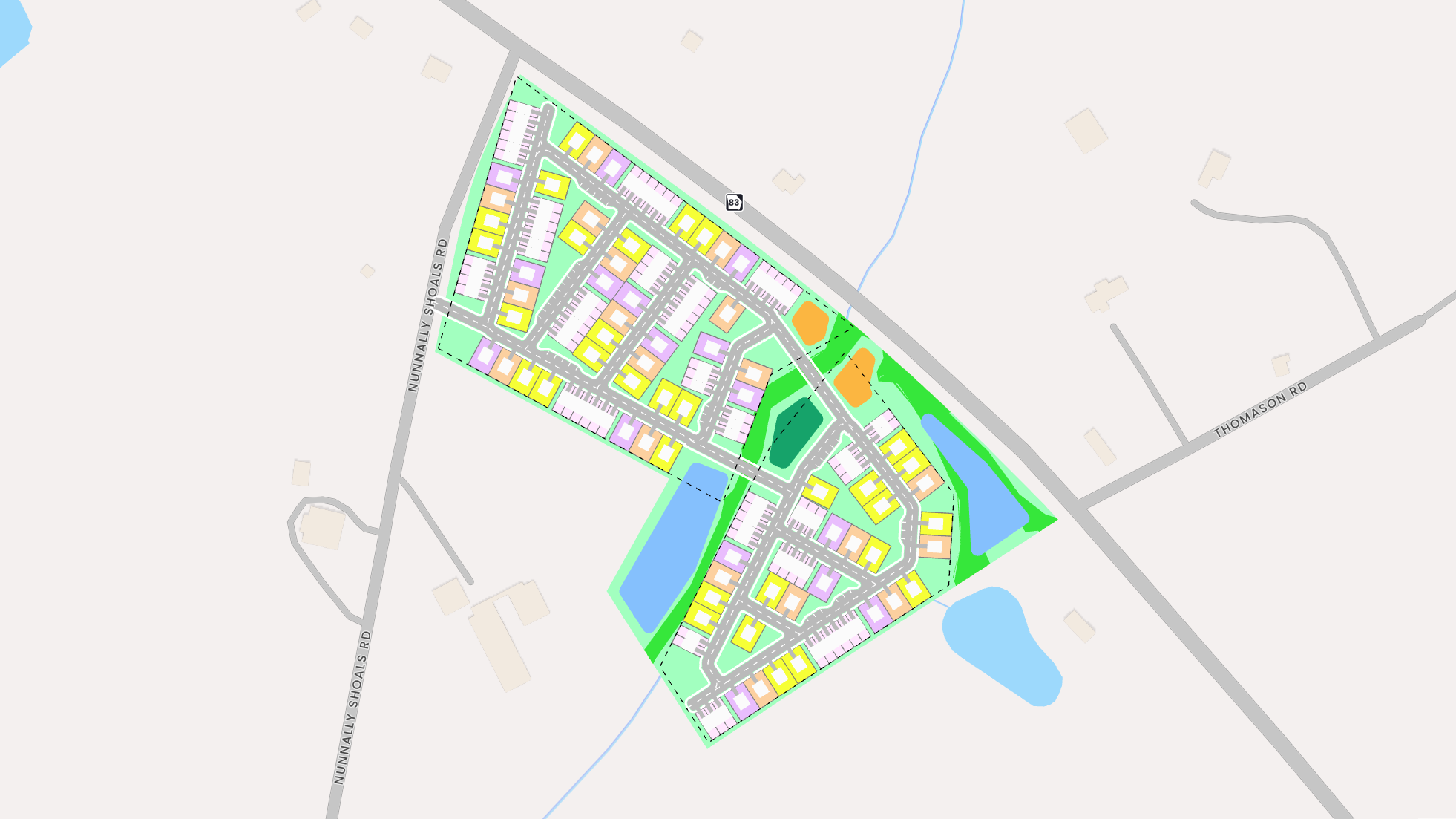
- 3Auto layout — single-family and multifamilyLots, roads, and ponds placed in seconds
- 4Your own product types in the Building EditorDrag the footprint, or load a product with locked dimensions
- 5Rent, sales, and builder comps — no second subscriptionSwitch Rent, Sales, Communities. Every asset type, one seat.
Every number traces back to a layer, a code section, a comp, or a setting you can change.


Ready for the room.Renderings, exports, and the deal pipeline
Renderings and exports in the formats your team already uses, plus the owner's contact, the LOI, and your deal pipeline. From here the deal goes out the door.
- 1Photorealistic renderingsAny angle, any style, from the layout you just built
- 2Annotated map exports to PowerPointPoints, lines, shapes, and POI searches, labeled and layered — ready for the slide export
- 3Zoning report for your asset classMultifamily or single-family: the controls that apply, cited to the code. CAD and DWG export alongside.
- 4Owner contact and LOI in one clickOwner of record with a verified phone and email, then a letter of intent pre-filled from the study
- 5Deal pipeline and due-diligence checklistFilter your studies by stage, then work the checklist on each site — assign items, set due dates.
Straight to IC, LPs, the zoning board — and the seller. One seat, every state, no per-market licensing.


See it on one of
your own sites.
Bring an address to the demo. We'll run the study live, from the first question to the LOI, and you keep the output.
Book a demo