
Property Search & Site Summary
The foundation of every Algoma analysis starts with searching for a property. Here’s everything you need to know to get started
Searching for a Property
Finding the right property is the foundation of your analysis. Our intelligent search system helps you quickly locate and verify property data using our comprehensive database.
1
Access the Search Bar
1
Navigate to your Algoma homepage and click in the search bar that says “Enter property address”
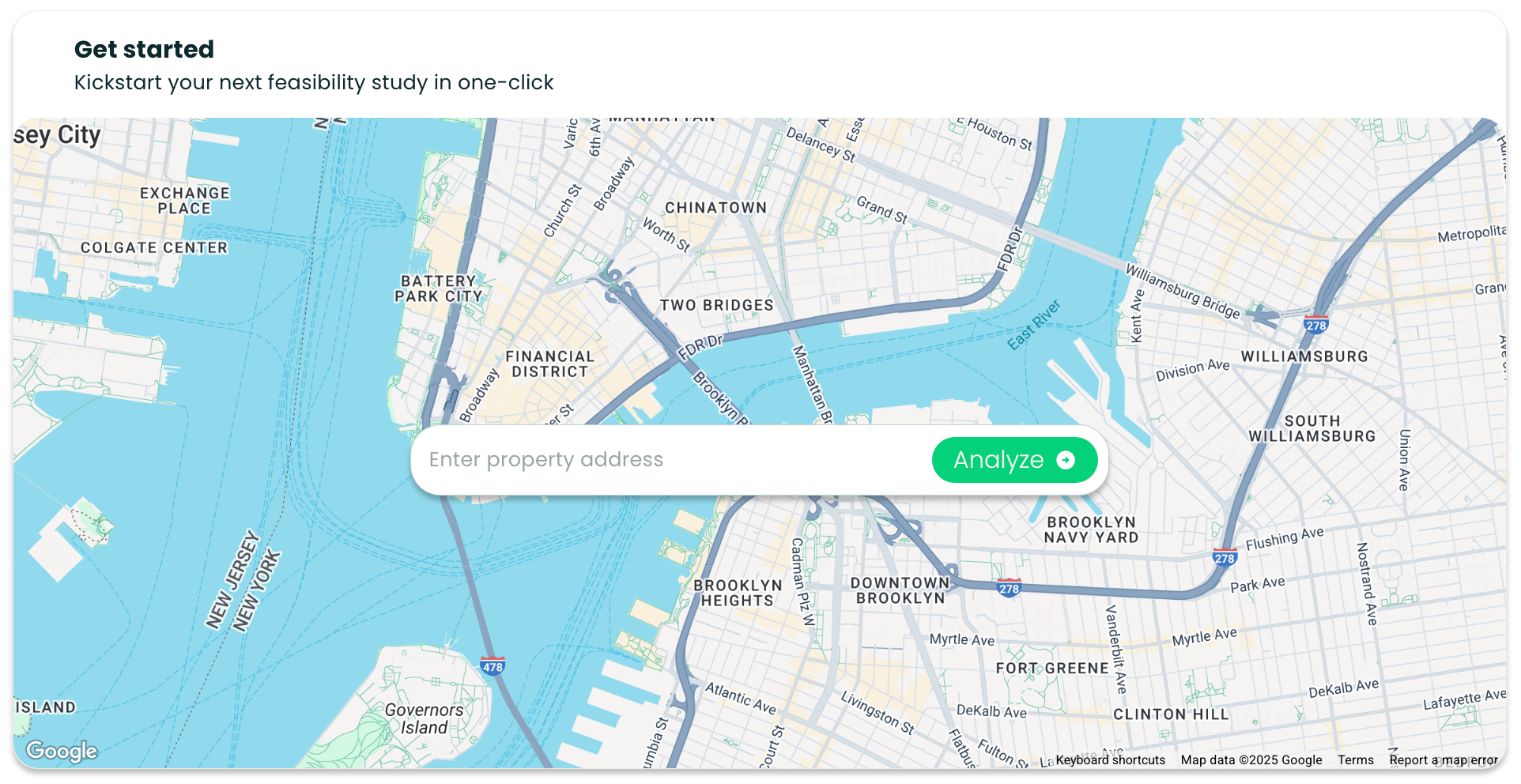
Type the Address
2
Start typing the property address. As you type, you’ll see suggestions appear in a dropdown. If see no options, continue typing out the full address with the city, and state to see if your address appears.

Important: You must select an address from the dropdown suggestions. The system cannot process manually typed addresses that aren’t in our database.
3
Select from Suggestions
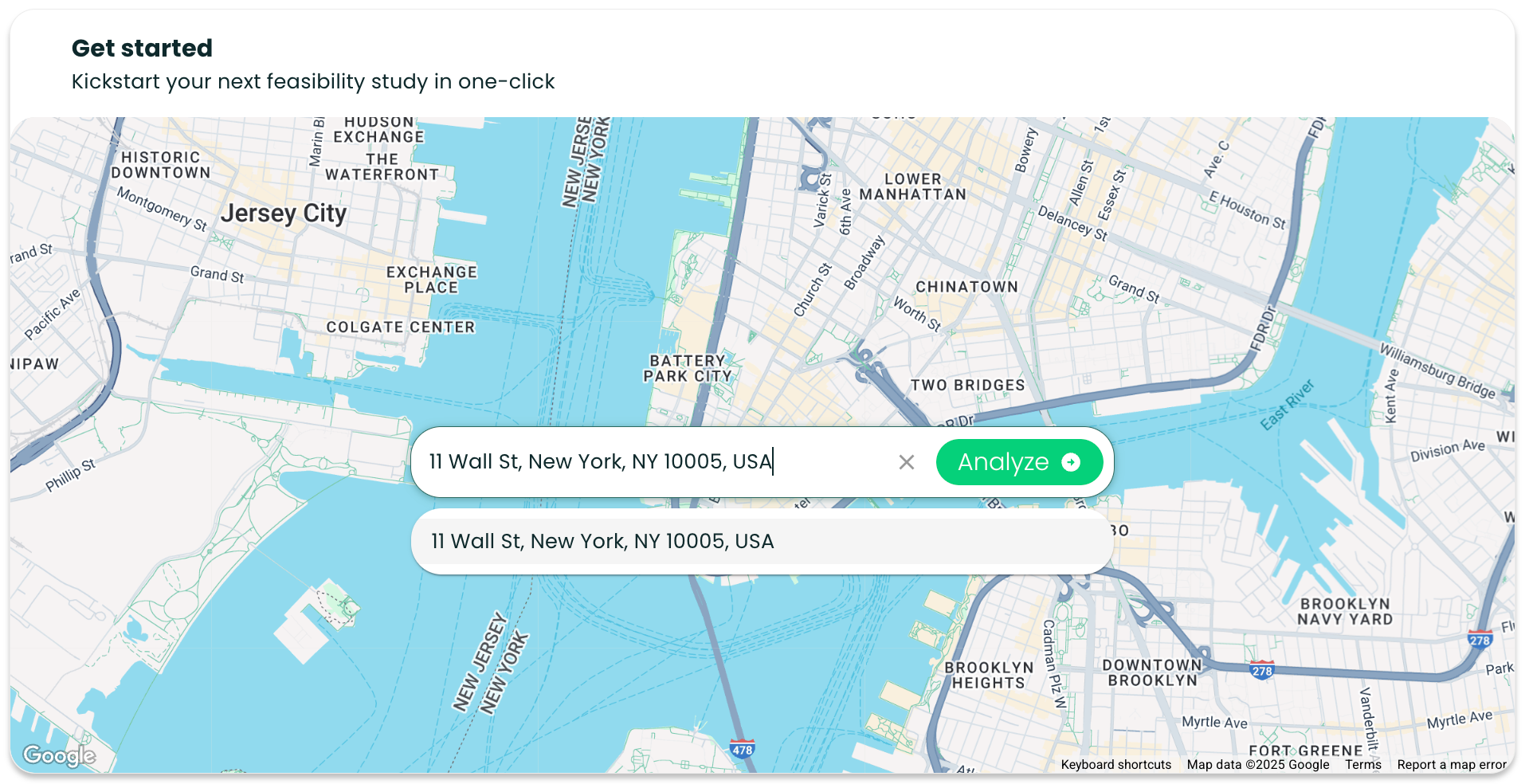
Once you’ve selected an address, click the “Analyze” button to generate your comprehensive feasibility report.
4
Click Analyze

Understanding Your Site Summary
2
Your Site Summary provides four key insight areas that form the foundation of your investment decision:
Supply Metrics
Current inventory and competitive properties in the area
Units approved in the last month
Year-over-year development trends
Market saturation indicators
Recent building permit activity
Demographics
Population, income, and household characteristics
Median age: Understanding your tenant base
Median household income: Setting appropriate rents
Population: Market size and growth
Household composition: Unit type demand
Zoning Information
Permitted uses, height limits, and development constraints
Current zoning designation (e.g., C6-9, R7-2)
Quick summary of constraints
Link to detailed zoning analysis
Key development limitations
Site Capacity
Maximum development potential and unit mix optimization
Buildable square footage calculations
Optimal unit mix recommendations
Scenario planning tools
ROI projections
Next Steps
3
After reviewing your Site Summary, continue your analysis with these recommended steps:
Explore the Market Intelligence
1
Click "View Market Intelligence" to dive into detailed demographics and housing trends
2
Analyze Rent Comparables
Click "View your Rent Comps" to analyze competitive properties and set optimal pricing
3
Review Zoning Constraints
Click "View Zoning Summary” to dive into detailed demographics and housing trends